
01
Peak trading spikes overnight
Holidays, sales events, and back-to-school weeks need double the floor cover - spreadsheets break when headcount doubles.
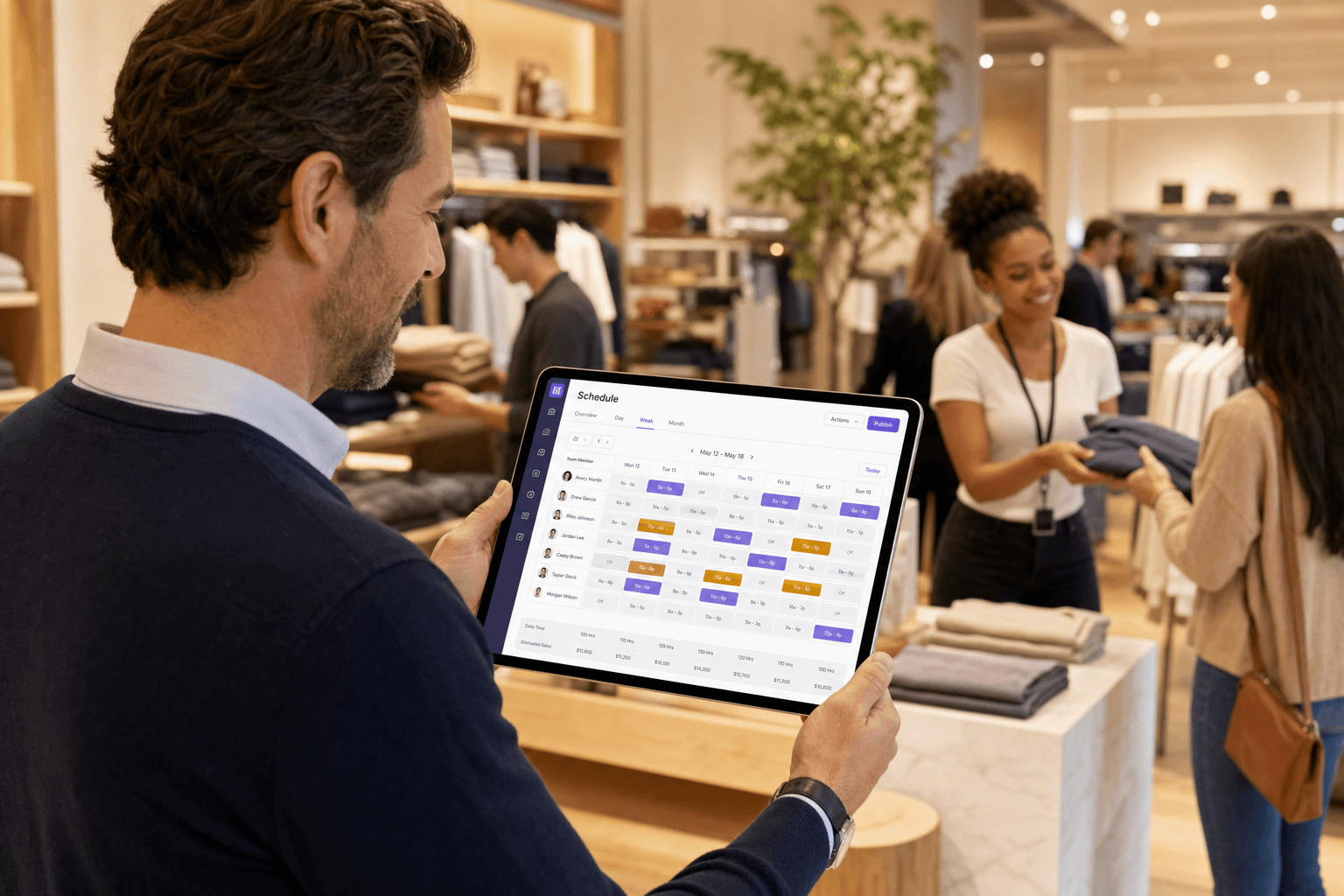
Stores and retail chains - staff floor and peak seasons across locations, hire seasonal crew, track training compliance, and pay from clock-in on one platform.
65%
Less time on weekly rosters
3×
Faster peak-season publishing
99%
Training document compliance rate
2 wk
Typical peak hiring rollout
Retail staffing problems are predictable - but most teams still solve them with copy-paste rosters and last-minute group chats.
Holidays, sales events, and back-to-school weeks need double the floor cover - spreadsheets break when headcount doubles.
Regional managers juggle inconsistent rosters across locations - but your team should not live in five different tools.
Right-to-work checks, induction certs, and seasonal applicants arrive weekly - missing one deadline costs more than admin time.
Eight Crewtic modules mapped to how retail teams actually work - from peak-week rosters to payslips from clock-in.
Plan floor, till, and stockroom shifts on a visual calendar - publish with conflict checks and open shifts for peak cover.
Save recurring weekend and holiday patterns - generate weeks of peak-season shifts from one template.
Organise stores under one client - assign regions and geofenced sites so each location has its own roster context.
Filter crew by floor, stockroom, and till roles - assign regions and positions that match how your stores actually run.
Share a public application link for seasonal surge hiring - review, approve, and add crew to your roster in one flow.
Hourly staff clock in at each store - job sheets and live status show who is actually on the floor.
Store training certs and right-to-work documents per crew member - expiry alerts before they lapse.
Generate payslips from approved attendance - fewer corrections when hours come straight from clock-in.
See staffing across your entire chain - filter by store, region, or role without jumping between spreadsheets.

Organise flagship locations, mall units, and high-street outlets - filter rosters and reports by store.
Define site boundaries so hourly staff clock in at the right store, not from the car park or break room.
Assign floor, stockroom, and till teams to the regions and roles that match each store layout.
One connected flow for retail teams - hire when you need cover, schedule every store, and pay from hours actually worked.
Share your workspace onboarding link - seasonal and part-time hires submit details without an account.
Build peak weeks on the schedule calendar or from templates - crew get notified when shifts go live.
Approved hours flow from attendance at each store - no re-keying timesheets at week end.
Payroll runs from clocked time - training documents and compliance stay linked to each crew profile.
Illustrative case study
"Every peak season we rebuilt rosters in spreadsheets store by store. Crewtic gave us one place to staff every location, hire seasonal crew, and pay from actual clock-in."
UrbanLane runs fashion and home stores across multiple regions. Store managers duplicated shift data, missed training renewals, and spent hours reconciling hours before payroll each peak week.
They rolled out Crewtic in two weeks - shift templates for holiday patterns, a shared applications inbox for seasonal hiring, and attendance-linked payslips across all stores.
65%
Less scheduling admin
2 wk
Peak rollout time
35
Stores on one platform
Retail chain · 450 staff · 35 stores
Pick a topic below - straight answers on scheduling across stores, seasonal hiring, and what Crewtic does not replace.